
KingInstaller
2.5
Install packages "as Google Play Store", to work around restrictions!

Report this app
Images


Description
KingInstaller – Install packages “as Google Play Store” to work around restrictions! Useful for Android Auto.
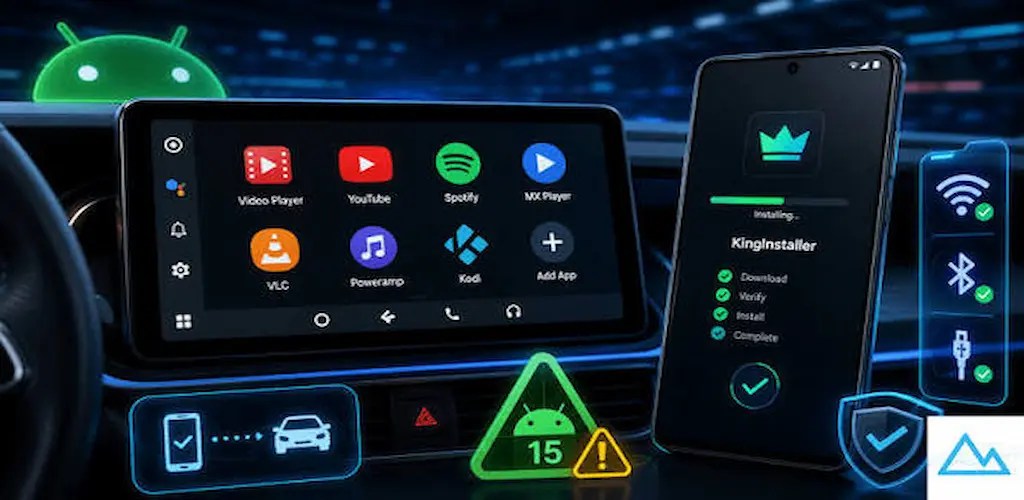
🚀 What is KingInstaller?
KingInstaller is a utility designed to install APK files in a way that tricks the system (and Android Auto) into thinking the application originated directly from the official Google Play Store, helping bypass specific app visibility restrictions.
✨ Features & Recent Updates (v1.9)
- Hybrid Installation Architecture: Combines direct intents, Shizuku remote UserService (supporting Standard Shizuku, ShizukuPlus, and Plus Drop-In), and Root execution.
- Smart Workflow: Streamlined installation flow recommending the classic method first, falling back to Shizuku, and utilizing Root as the ultimate solution when needed.
- Auto-Fixer: Automatically repairs the installer identity immediately after installation if Shizuku or Root is available.
- Material Design 3 UI: Modernized interface embracing clean layouts and Material 3 guidelines.
- App Diagnostic Checker: Built-in tool to inspect how the system perceives an installed application.
- Android Auto Settings Shortcut: Quick shortcut button to jump straight into AA settings.
⚠️ Compatibility & Recommended Installation Workflow
To get the best results across different devices and Android versions, follow this progressive approach:
1️⃣ Step 1: The Classic Method (Recommended First)
- How to use: Just select your APK and hit Install normally (without enabling any switches).
- On many stock devices and custom ROMs (especially Android 10–16), the system installer handles the spoofing flags automatically. Always try this first.
2️⃣ Step 2: The Shizuku Trick (If Step 1 fails)
- When to use: If the classic installation doesn’t flag the app as coming from the Play Store or Android Auto rejects it.
- How to use: Start your preferred Shizuku implementation (Standard, ShizukuPlus, or Plus Drop-In), enable the Shizuku Trick switch in KingInstaller, and try again. KingInstaller will use a secure remote UserService via IPC binding to force the correct installer metadata.
- Xiaomi / POCO / Redmi Note: On recent Xiaomi, POCO, and Redmi devices running MIUI or HyperOS, deep vendor restrictions block standard installation hooks and Shizuku methods. On these devices, Shizuku usually fails, and Root access is currently the only reliable method to achieve successful installation spoofing.
3️⃣ Step 3: The Root Method (Ultimate Fallback)
- When to use: If both the classic method and Shizuku fail due to heavy vendor security restrictions (mandatory for Xiaomi / POCO / Redmi).
- How to use: Enable the Root Trick switch. This grants KingInstaller direct root-level execution via su to manipulate the package manager service directly.
🚗 Android Auto Rules & Insights
Based on extensive testing:
- The Golden Rule: For an app to work in Android Auto, the “Requested by” field should ideally be the Package Installer, while the “Installed by” field MUST be the Play Store.
- Experimental Tweaks: Due to the wide variety of custom ROMs and security patches across manufacturers, certain installation flags or behavior may require a trial-and-error approach.
Related apps


Latest Apps
-
 My Talking Angela 226.6.0.9070 Outfit7 Limited 122.85 MB Unlimited Money
 -
 Cricket League1.36.0 Miniclip.com 120.48 MB Original
 -
 Carrom Pool19.6.0 Miniclip.com 220.84 MB Aim Hack
 -
 Hello Neighbor2.3.54 tinyBuild 1179.11 MB Unlocked
 -
 Drift Fanatics Car Drifting1.058 Profi-Soft Games 376.41 MB Unlimited Money
-